Editing Your Trip Details
For trips at you own or are a collaborator on, you can change many of the details of your trip by tapping the three dots at the top-left of the trip where you'll see several options.
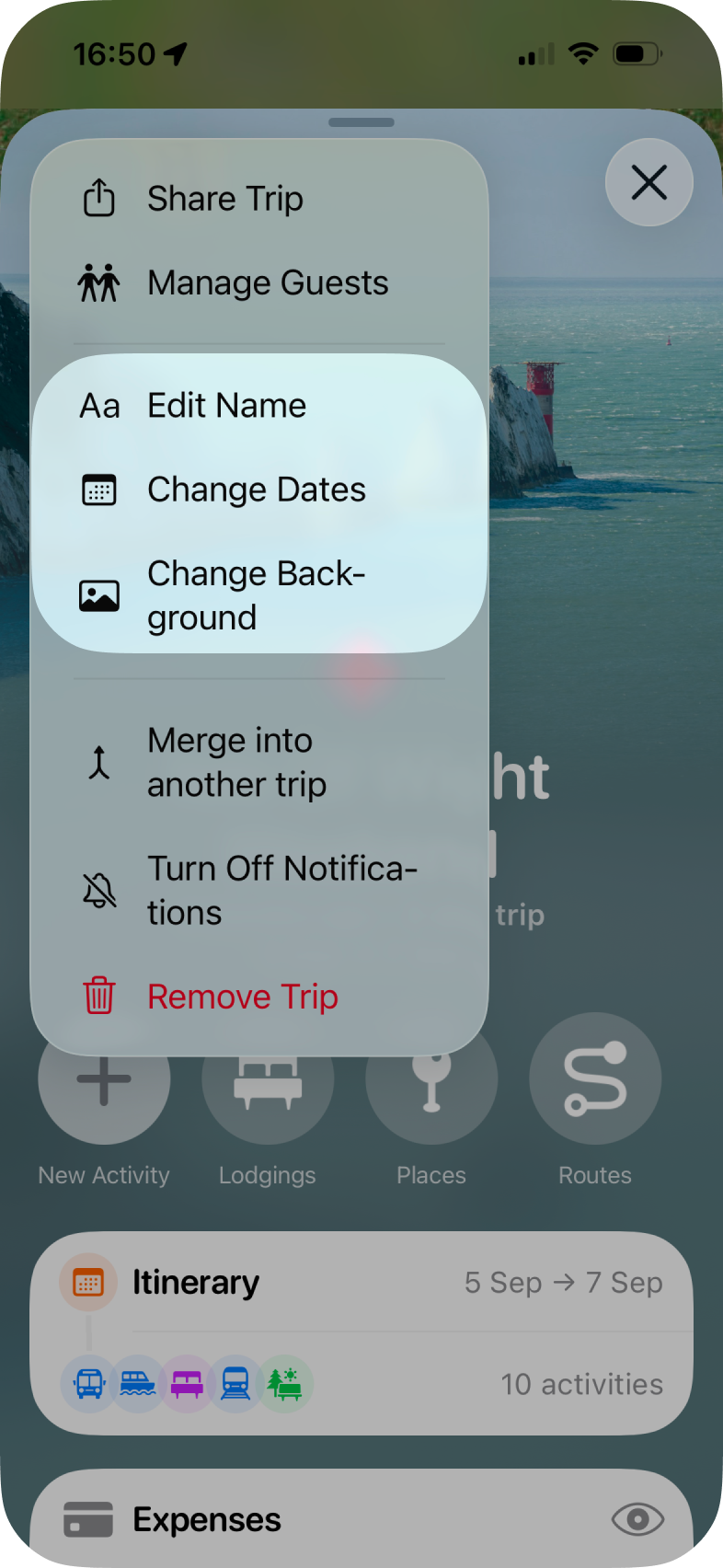
Changing The Trip's Name
- Tap Edit Name
- Provide the new name for your trip
- Tap Save when done
Changing The Trip's Dates
- Tap Change Dates and you'll see the date picker for your trip.
- Tap the new start and then end date of the trip.
- Tap Confirm to save the dates
Please Note: Tripsy will warn you that changing the dates may also move activities, this will only happy if the activities fall outside of the new dates. For example, if you had a trip from December 4th to 8th and changed the dates to 5th to 7th, activities on the 4th will move to the 5th and activities on the 8th will move to the 7th.
Changing The Trip's Background
Just tap Change Background and see our more detailed guide on changing the background which covers the types of images you can choose.