Quick Actions for Activities in the Itinerary
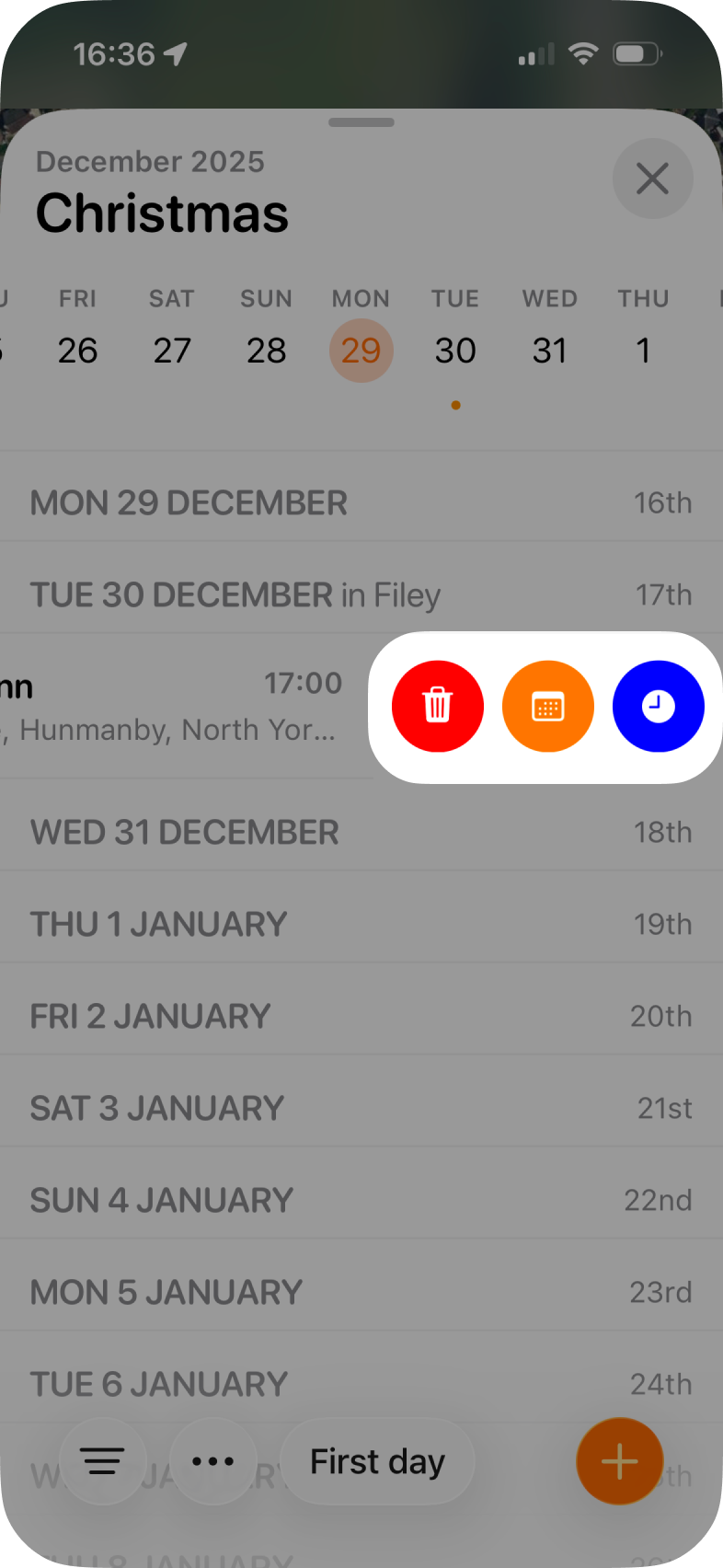
Need to make a quick change or delete an activity from your Itinerary? Tripsy has swipe actions that allow you to quickly delete, change the date, or change the start time of a particular activity.
Just swipe from right to left on a particular activity and you'll see the options for:
- Delete (Red trash can icon)
- Change date (Orange calendar icon)
- Change time (Blue clock icon).
Please Note: For flight activities, you will not be able to change the dates and times of your flight via swipe action, you'll need to follow the steps here to update dates and times for a flight.